
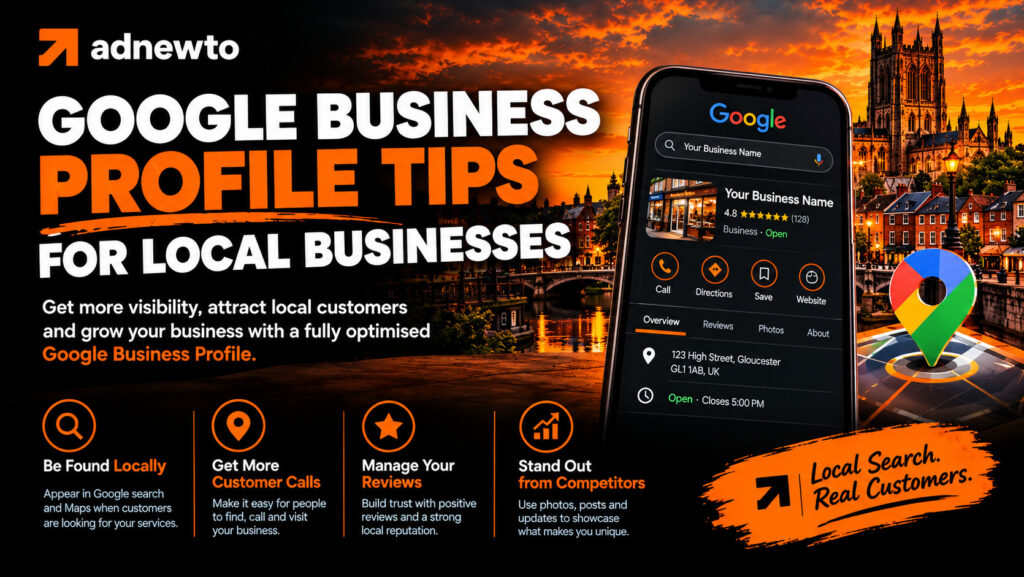
Why Google Business Profile Tips Matters More Than Ever
Most customers now check Google before they call, visit, or buy. When they search for a local service, Google shows a map with three businesses at the top, known as the local pack. Those three listings get a large share of clicks, calls, and direction requests.
If your business isn’t in that group, many customers never see you. A well-managed Google Business Profile is the most direct way to earn a place there. It also shows your reviews, photos, opening hours, and contact details before someone even reaches your website.
For a small business, this is free advertising in the most valuable spot on the page.
How Google Decides Who Ranks in the Local Pack
Google uses three main factors to rank local results:
Relevance. How well your profile matches what someone is searching for. Your categories, services, and description all help here.
Distance. How close your business is to the person searching, or to the location they typed. You can’t change your location, but you can make sure your address and service areas are accurate.
Prominence. How well known and trusted your business is. Reviews, website quality, backlinks, and mentions across the web all contribute.
You can improve relevance and prominence through steady work. That is where most of the opportunity lies.
How to Write Better Services and Descriptions
Many businesses list one or two services and stop. A fuller list gives Google more information and gives customers more reasons to choose you.
For each service, write one or two clear sentences. Say what it is, who it’s for, and what makes it useful. For example, instead of just “Boiler repair”, write “Fast boiler repair for homes in Watford, including emergency call-outs and annual servicing.”
Keep the language natural. Write for people first. If it reads like a list of keywords, rewrite it.
Using Photos to Win More Clicks
Photos are one of the easiest ways to improve your profile. People like to see who they are dealing with before they contact you.
Good photo ideas include:
- Your shopfront or office, so customers can recognise it
- Your team in uniform or at work
- Completed jobs, projects, or products
- The inside of your premises
- Vehicles, if you travel to customers
Some practical tips:
- Use bright, clear images taken on a modern phone
- Avoid heavy filters or text overlays
- Add a few new photos every month
- Remove blurry or outdated images
Fresh photos signal that your business is active, and customers trust active businesses more.
Building a Review Habit That Lasts
Many owners get a burst of reviews and then nothing for months. A steady flow looks more natural and works better than a big batch.
Try building reviews into your normal process:
- Ask at the right moment. Right after a successful job or a happy conversation is best.
- Make it simple. Send a direct link by text, email, or WhatsApp. A QR code on a receipt, card, or counter works well too.
- Be specific. Customers who mention the service and the town in their review help your relevance. You can gently suggest this, but never script their words.
- Say thank you. A short, personal reply shows you care.
- Track it. Aim for a target, such as three to five new reviews a month.
Never buy reviews or offer rewards for them, and don’t review your own business. Google can remove reviews and even suspend profiles for these practices.
How to Handle Negative Reviews
A bad review feels personal, but how you respond matters more than the review itself. Potential customers read your replies to judge how you treat people.
A good reply follows a simple pattern:
- Thank them for their feedback
- Apologise for the experience, without admitting fault you disagree with
- Offer a clear way to fix it, such as a phone number or email
- Keep it short, calm, and professional
Never argue publicly, share private details, or accuse the reviewer of lying. If a review is fake or breaks Google’s policies, you can report it for removal.
Using Google Posts to Stay Active
Posts appear on your profile and show customers what’s happening now. Many businesses never use them, so even a simple routine gives you an edge.
Ideas for posts:
- Special offers or seasonal deals
- New services or products
- Completed projects with a photo
- Helpful tips related to your trade
- Events, opening hour changes, or announcements
Keep posts short, add an image, and include a button such as “Call now”, “Learn more”, or “Book”. Aim for one post a week.
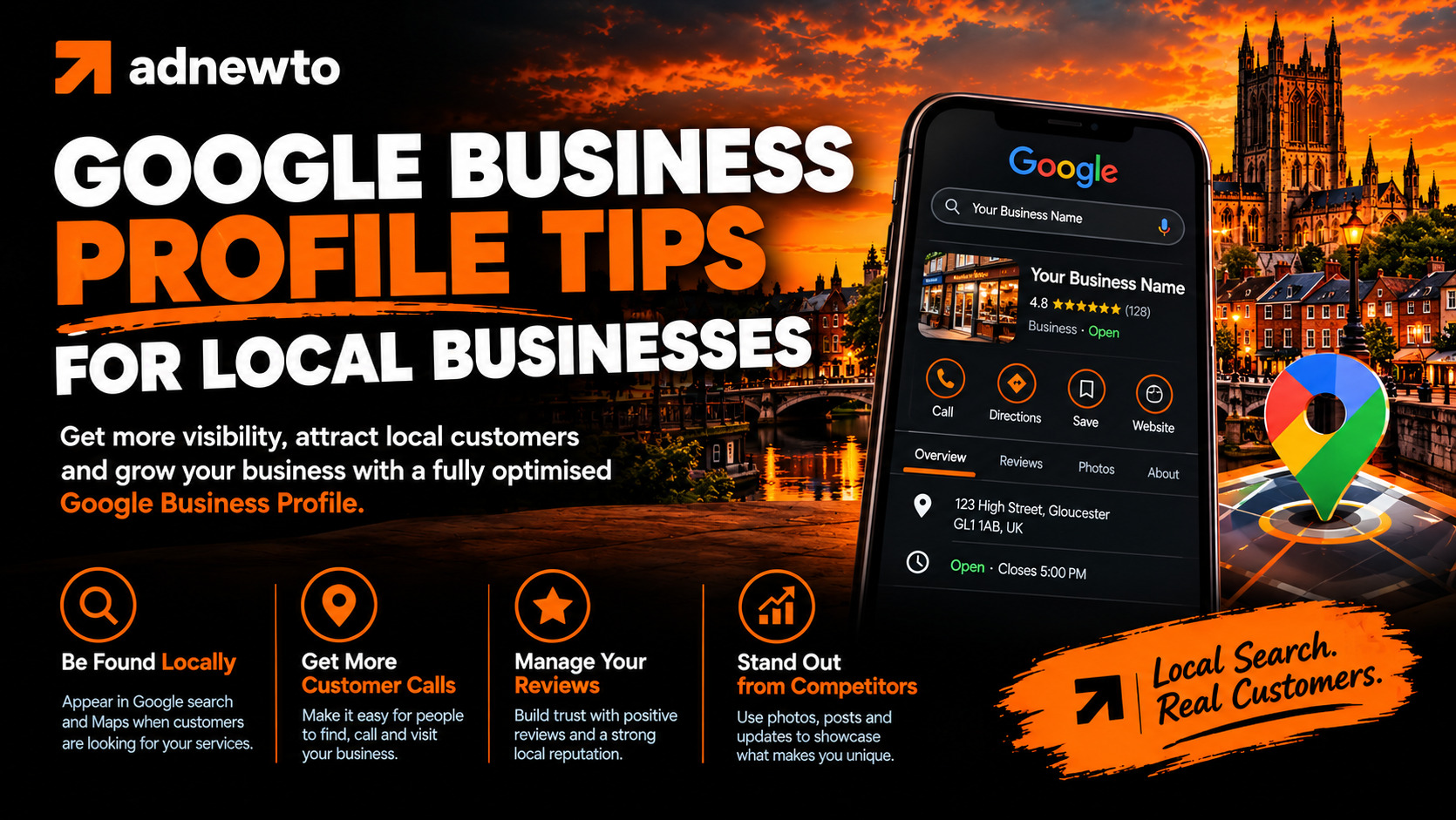
Connecting Your Profile to Your Website
Your profile and website should work together. Link your profile to the most relevant page, which is often your homepage or a local landing page, not a random inner page.
On your website, make sure you:
- Show the same business name, address, and phone number as your profile
- Embed a Google Map on your contact page
- Mention your service areas clearly
- Add local business schema markup, which helps Google understand your details
- Display your reviews or testimonials
When your website and profile agree, Google trusts your information more, and that supports your rankings.
Tracking Results and Improving
Your profile includes performance data. Check it each month, and look at:
- Search terms. What people typed before finding you.
- Views. How many times your profile appeared in Search and Maps.
- Actions. Calls, website clicks, direction requests, and messages.
- Trends. Whether your numbers are rising or falling after changes.
Use this to decide where to focus. If you get many views but few calls, improve your photos, reviews, or description. If you get few views, work on categories, services, and local content.
A Simple Monthly Routine
You don’t need hours every week. A short routine keeps your profile strong:
- Publish one post
- Reply to new reviews
- Answer any messages or questions
Monthly (30 minutes)
- Upload new photos
- Check your insights
- Confirm your hours and details are correct
- Send review requests to recent customers
Every three months
- Review your services and categories
- Check your listings on other directories
- Look at what your top competitors are doing
Consistency matters more than perfection.
Mistakes That Can Get Your Profile Suspended
Suspensions can cost you leads for weeks. Avoid these risks:
- Using a fake address, virtual office, or PO box
- Adding extra words or keywords to your business name
- Creating duplicate listings
- Claiming a location where you have no real presence
- Changing your business name or address repeatedly
- Breaking Google’s review rules
If your profile is suspended, don’t create a new one. Follow Google’s reinstatement process and provide the evidence it asks for, such as photos of your premises or business documents.
How Local Businesses Can Go Further
Once your profile is strong, you can build on it with wider local SEO:
- Create a dedicated page on your website for each main service and location
- Build consistent listings in trusted directories
- Earn links from local websites, charities, and business groups
- Publish helpful local content on your blog
- Keep your website fast and mobile-friendly
Google Business Profile works best as part of a complete local SEO plan.
Ready to talk? Request a free SEO audit and we’ll show you where your website is losing leads and what to fix first.

